CabWriter 7 continues our tradition of offering enterprise level capabilities at entry level prices while adding powerful new features to make you even more efficient and help you wow your customers.
Most of the new features this year were driven by customer input; we really appreciate when you give us feedback and suggestions to make CabWriter better and more useful, allowing you to run a more efficient business. One big new addition in CabWriter 7 is Context Based Help. We realize as the program has grown more powerful over time, so also has the number of parameters that need to be manipulated. Now, it’s even faster to find out what each parameter does by clicking on the title of the parameter or parameter group in each tab which brings up a help screen for just that item.
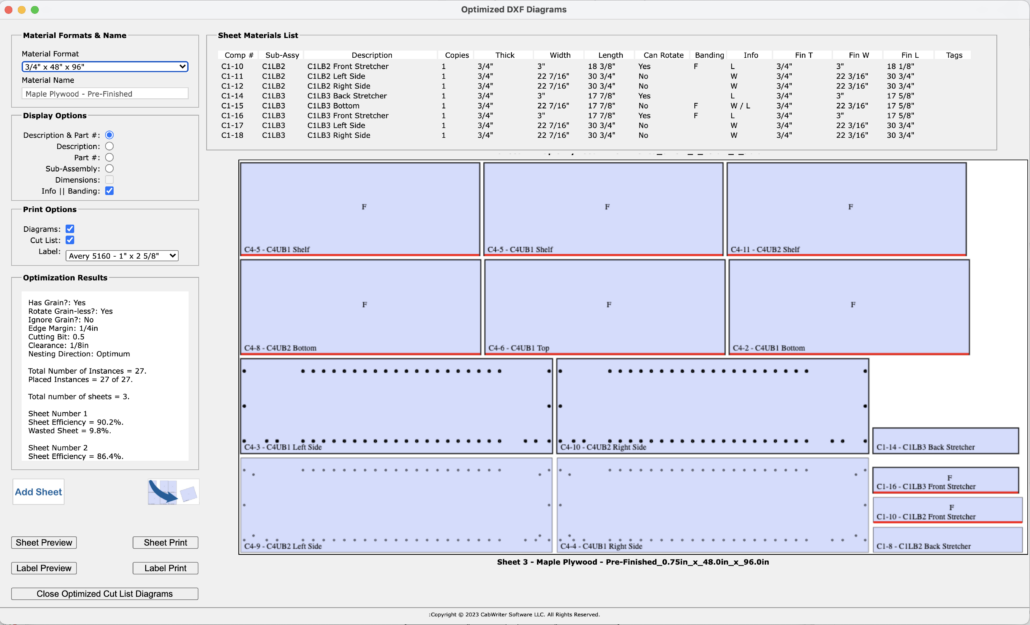
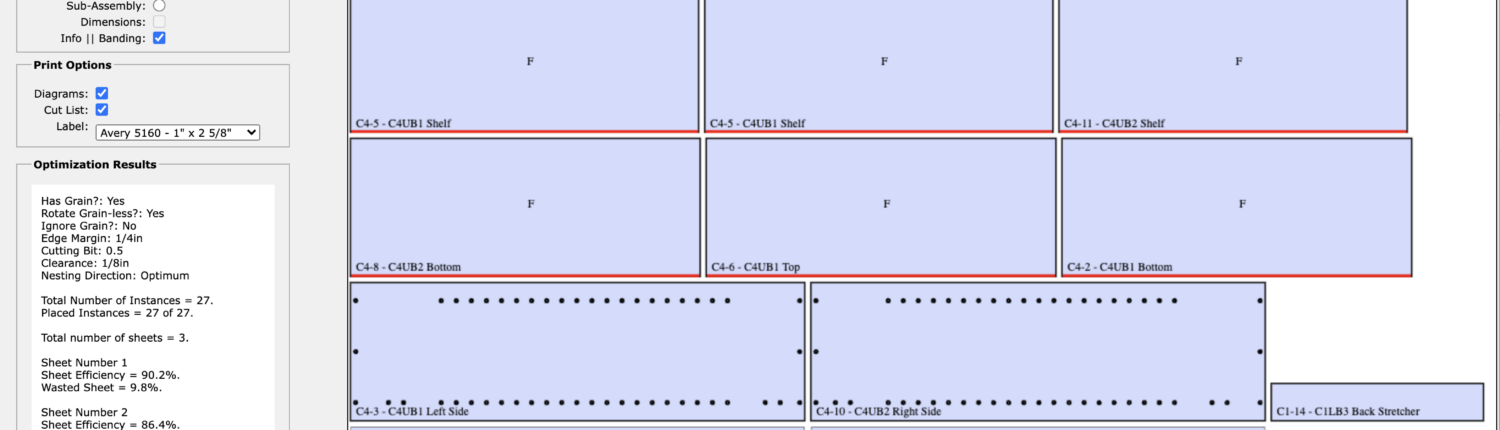
CabWriter 7 also introduces new edge-banding functionality by automatically adding notations to the cutlist indicating which edges of door and carcass parts require edgebanding. This information is also added to printed labels and all edges needing banding will be highlighted on sheet good optimization diagrams with prominent red lines making it easy to sort your parts in real time when cutting.
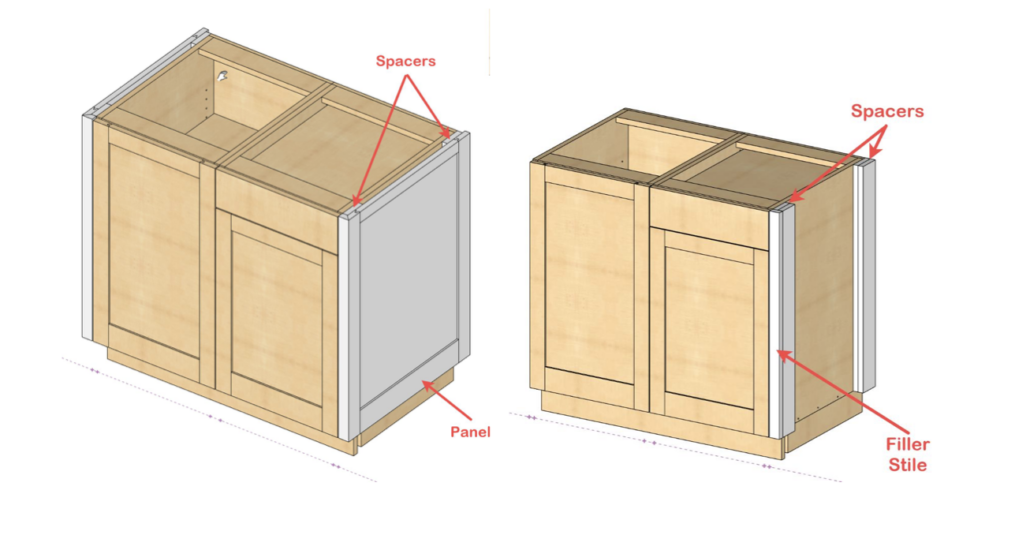
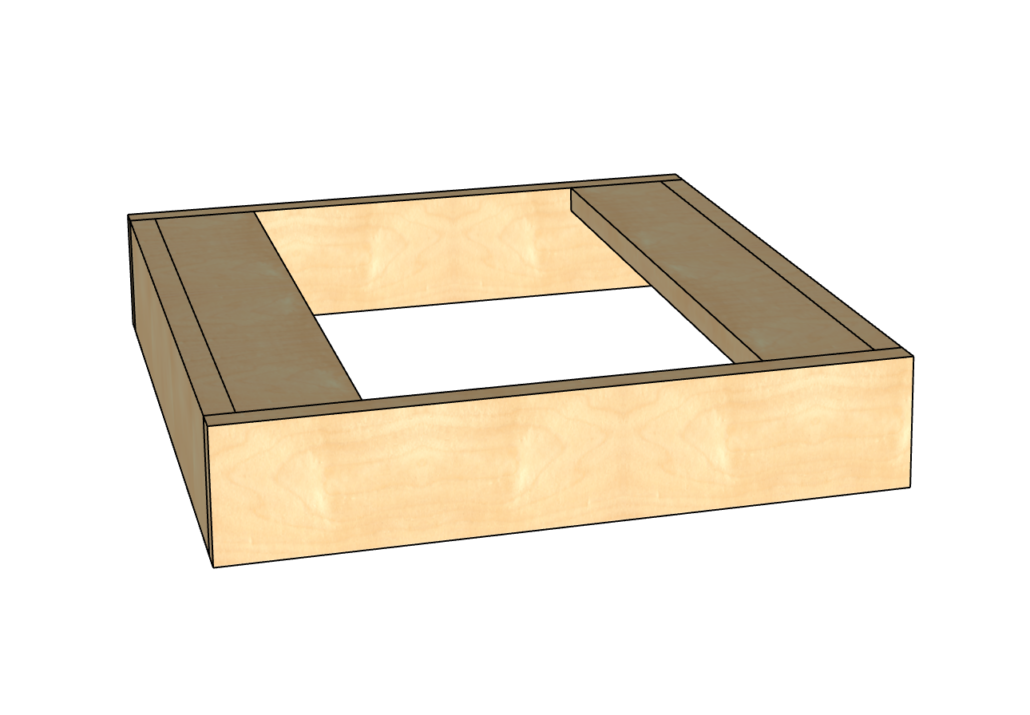
Other changes include new cabinet end treatments including Displaced End Panels and Filler Stiles, essentially a full thickness end panel with fillers added to the outside of a carcass and a new ability to extend any end panel to the floor. Users now have control over the size of text in DXF files for easier readability and can now draw toe kicks with the horizontal stretchers on the top of the ladder base. Improvements in reporting include more accurate reporting of the total solid lumber requirements for a project including the ability to specify a different waste factor for each species of lumber in your project.
There’s even more to discover in CabWriter 7 and we look forward to even more suggestions in the future on how to make it better, We are proud to offer a powerful, affordable solution for designing cabinets and hope that CabWriter remains your go-to tool for custom cabinet design….

New in Version 7


CabWriter 7 – New Features
The YouTube video below describes how to use all of the new features in CabWriter 7.
CabWriter 7 – What’s New?