
CabWriter 6 – What’s New?
The videos at the bottom of the page cover how to use the new features in CabWriter 6. Part 1 covers the new features in CabWriter Pro, Home, and CNC while Part 2 is completely devoted to the new CabWriter Closet features.
The image at right shows how to jump straight to the individual feature tutorials. Or, reference the timelines next to each video showing the starting time in the video for each of the tutorials.
CabWriter Closet Tutorial Model – If you would like to download the completed CabWriter Closet model created in the Part 2 video below, you can download it below in either a 2017 version or 2022 version. Note that you don’t have to own CabWriter in order to download, open, and view the model.
Click on a file to download it…
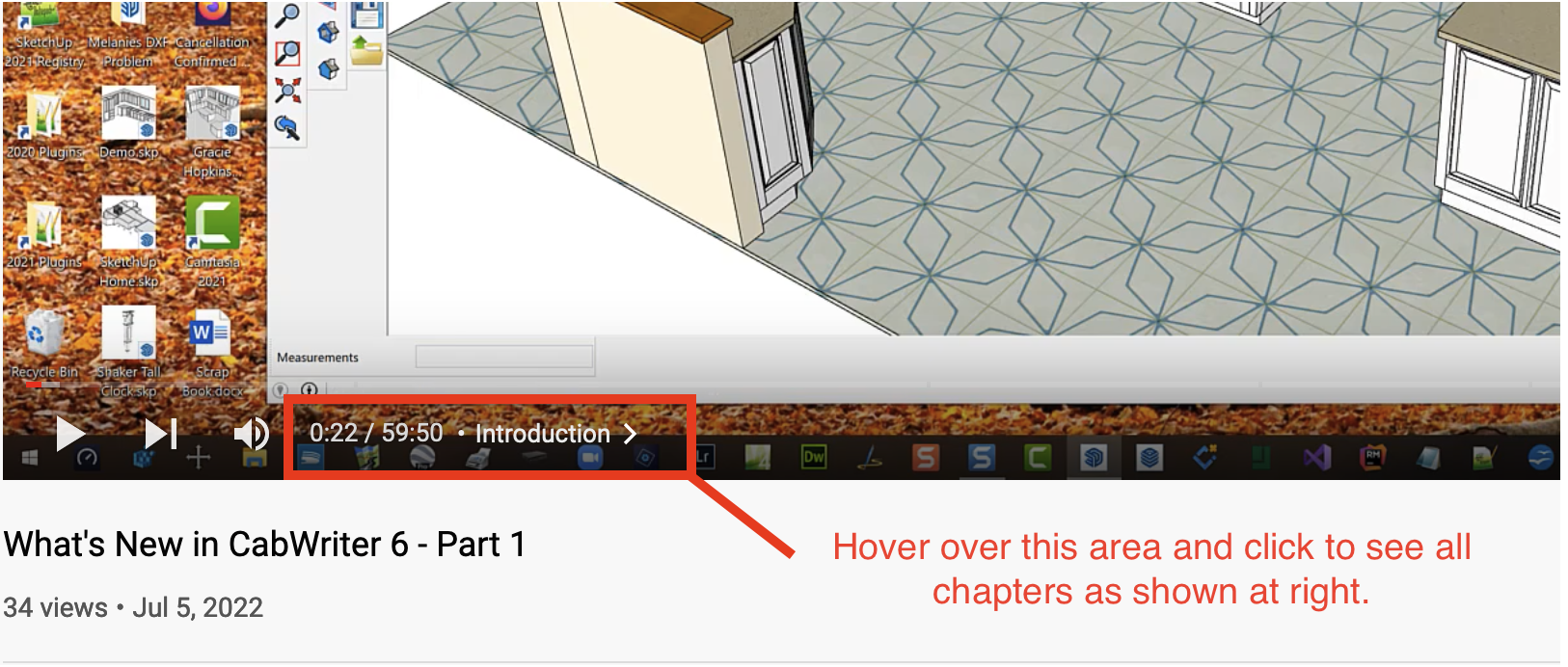
Note: You must watch the video on YouTube to take advantage of the chapter list at right. Do that by clicking on the “Watch on YouTube” button in the lower left corner of the video above. Otherwise, use the list at right to scroll directly to the time mark of the feature you want to watch.

Running time: 1 hour
New CabWriter Pro, Home, and CNC features
00:00 Introduction
01:53 Bi-Fold Corner Upper Cabinet
08:07 Stacked Upper Cabinets
22:19 Drawer Box Parts in Rough Lumber Report
30:30 Dialog Box Changes and Simplifications
37:09 Two New Label Formats
44:12 Horizontal Hing Plate Holes
48:13 Back Attachment Inset Changes
Running time: 1 hour, 5 minutes
New CabWriter Closet Features
0:00 Introduction
6:17 Drawing Sides
22:38 Drawing Partitions
26:56 Drawing A Top
28:26 Drawing A Bottom
29:47 Drawing A Fixed Shelf
32:53 Drawing Stretchers
34:16 Drawing Slanted Adjustable Shelves
38:42 Drawing Adjustable Shelves
42:21 Assign Closet Numbers
44:53 Drawing Backs
49:29 Inserting Doors & Drawers
55:47 Adding Shelf Holes


